Today, we are happy to share with you that the 1.44 Open Beta branch for American Truck Simulator is now available to try and test out. Please keep in mind that this branch is a work-in-progress build. If you plan on participating in this Open Beta, you can contribute by reporting any bugs you may encounter in the appropriate section(s) of our official forums. Your feedback and reports are extremely valuable for our team and we thank you in advance for taking the time to help us out.
So, without further ado, let's take a look at what the 1.44 Open Beta has in store!
California Rework: Phase 2
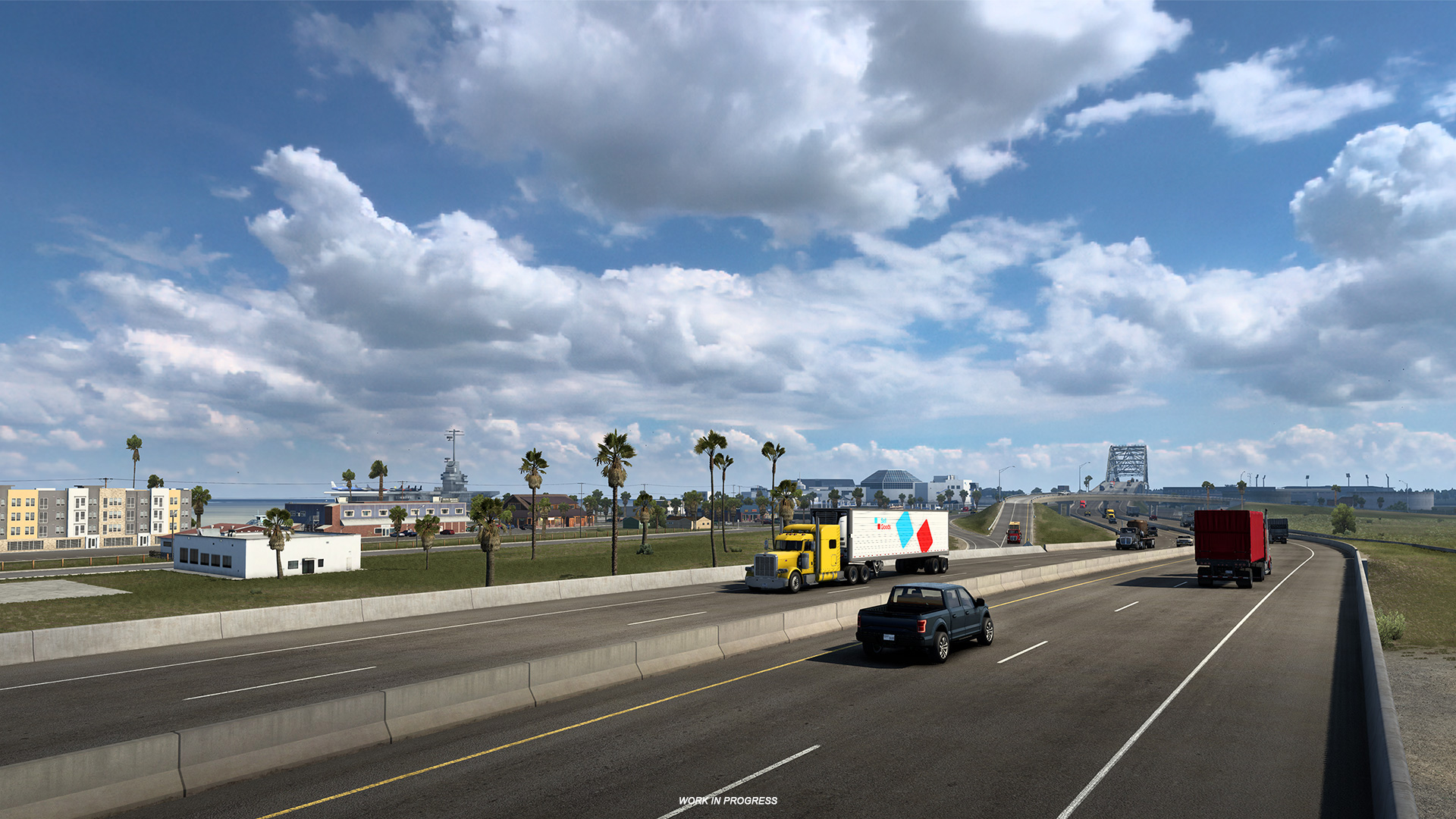
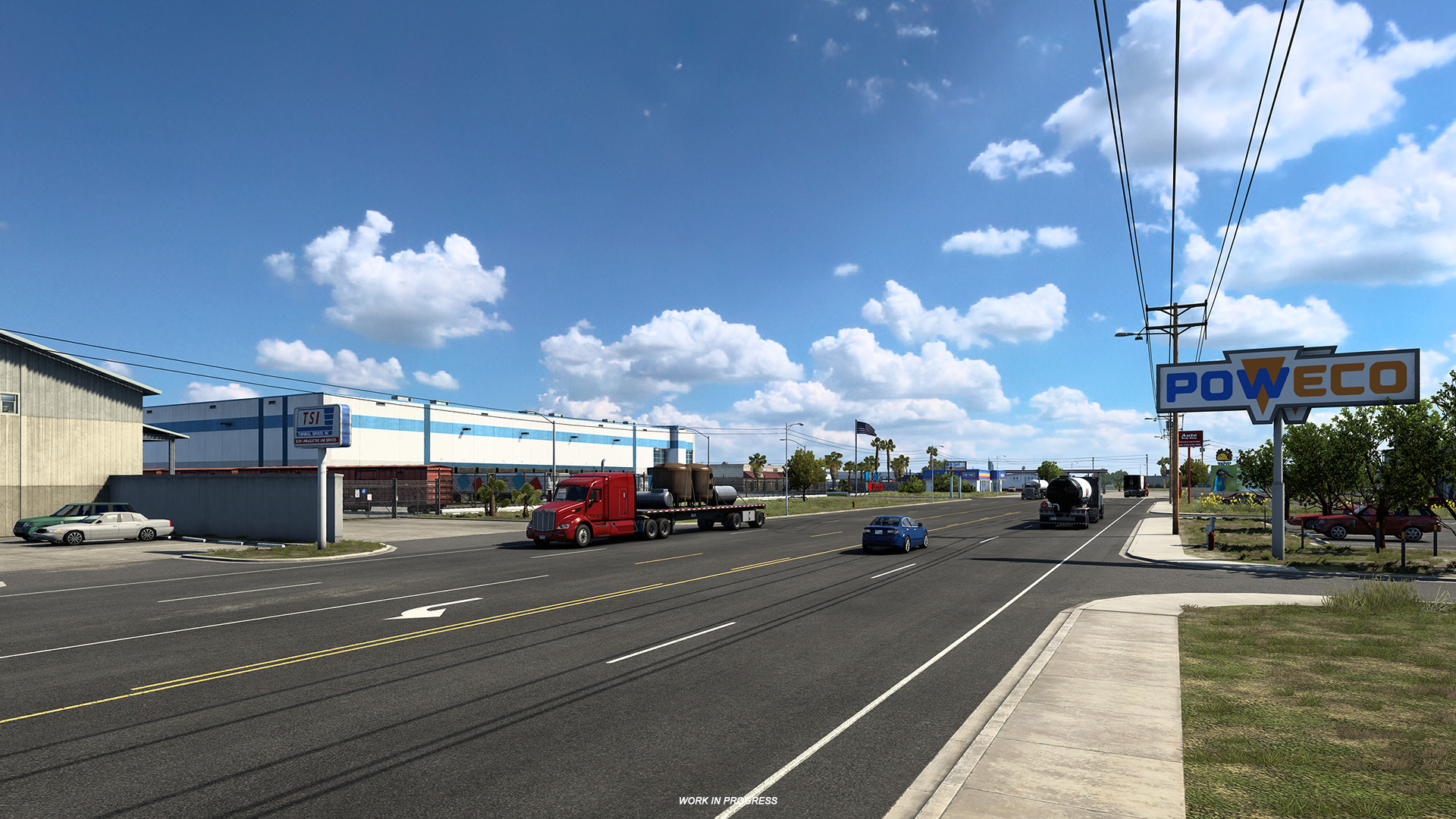
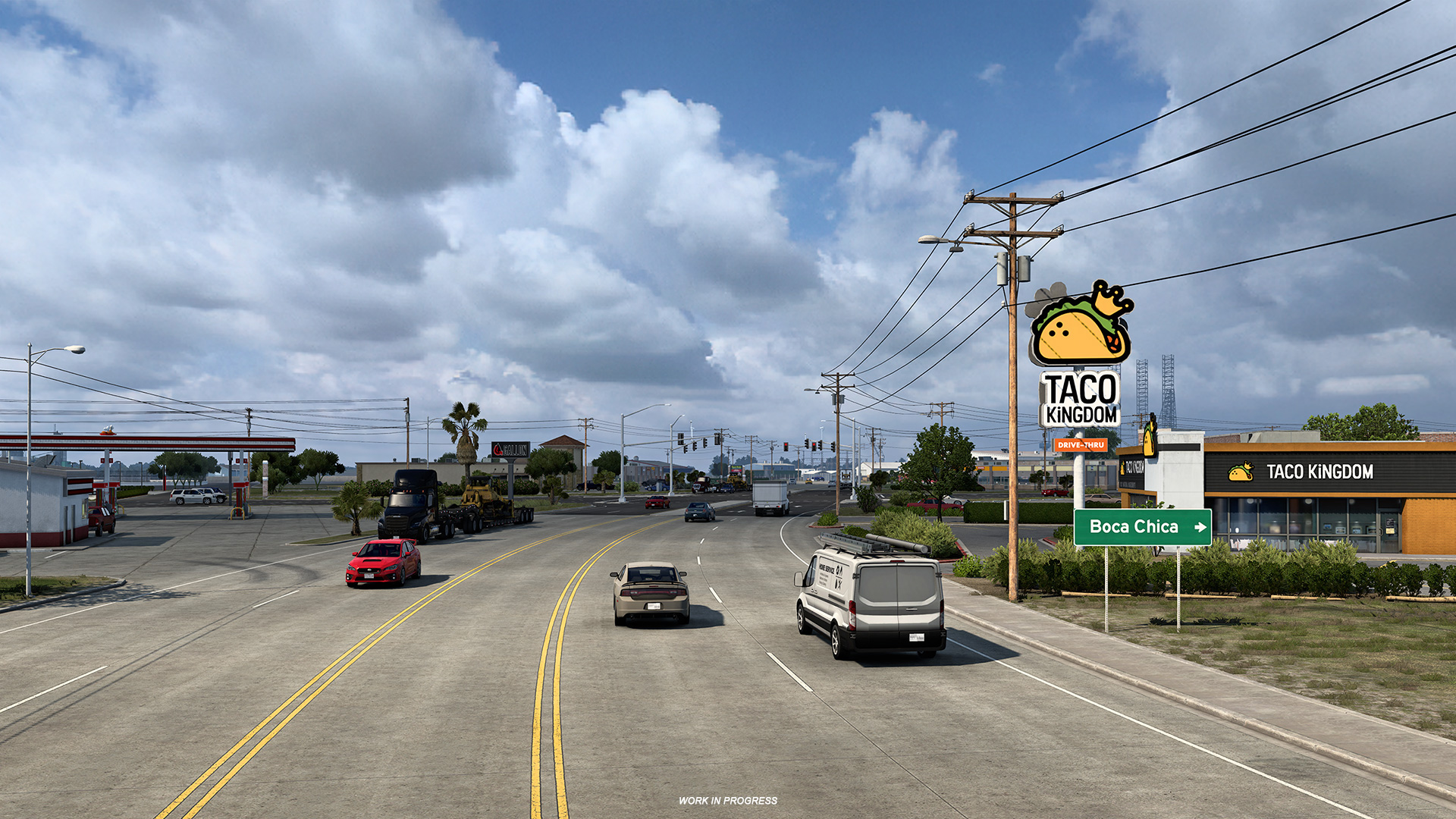
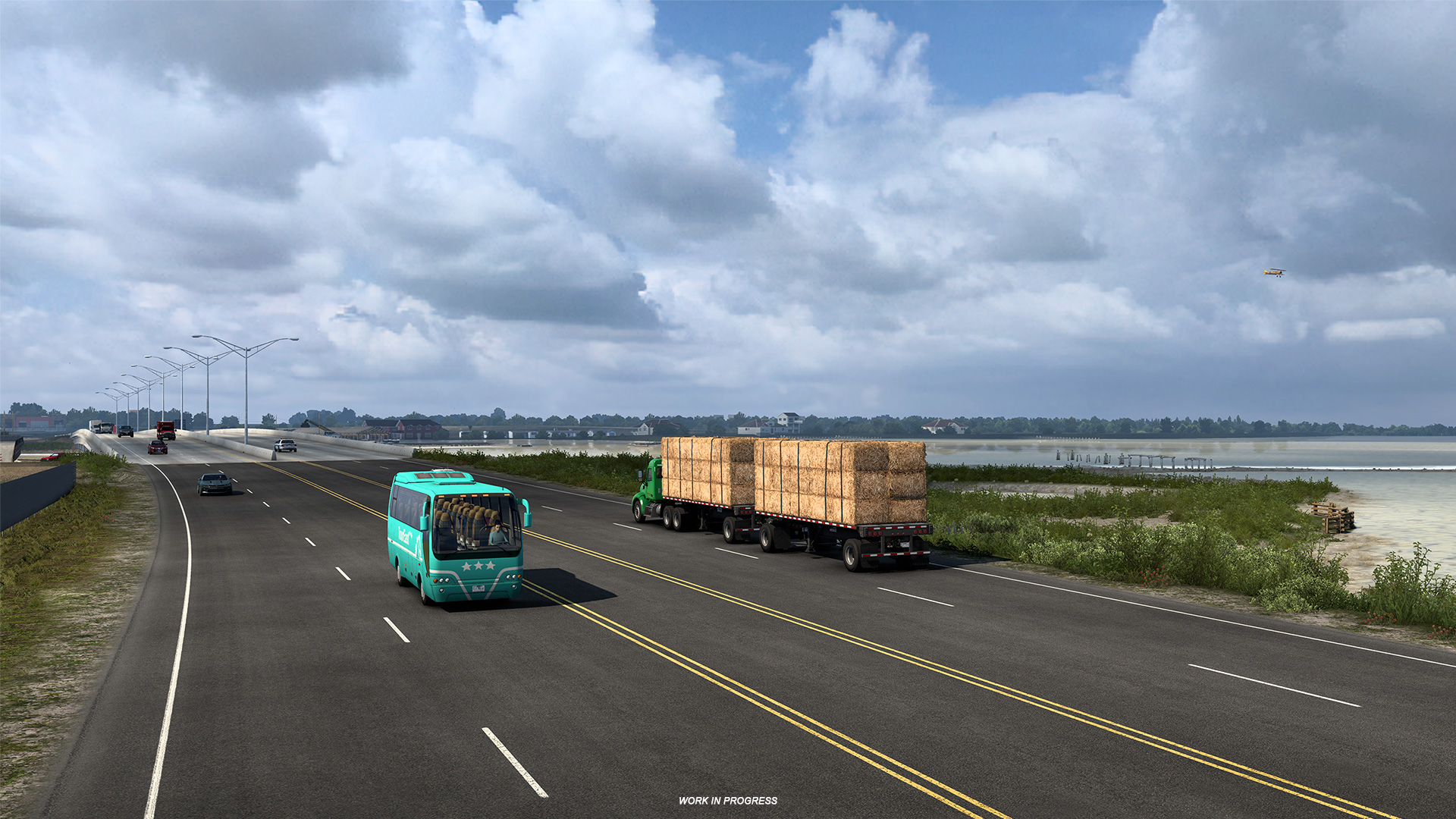
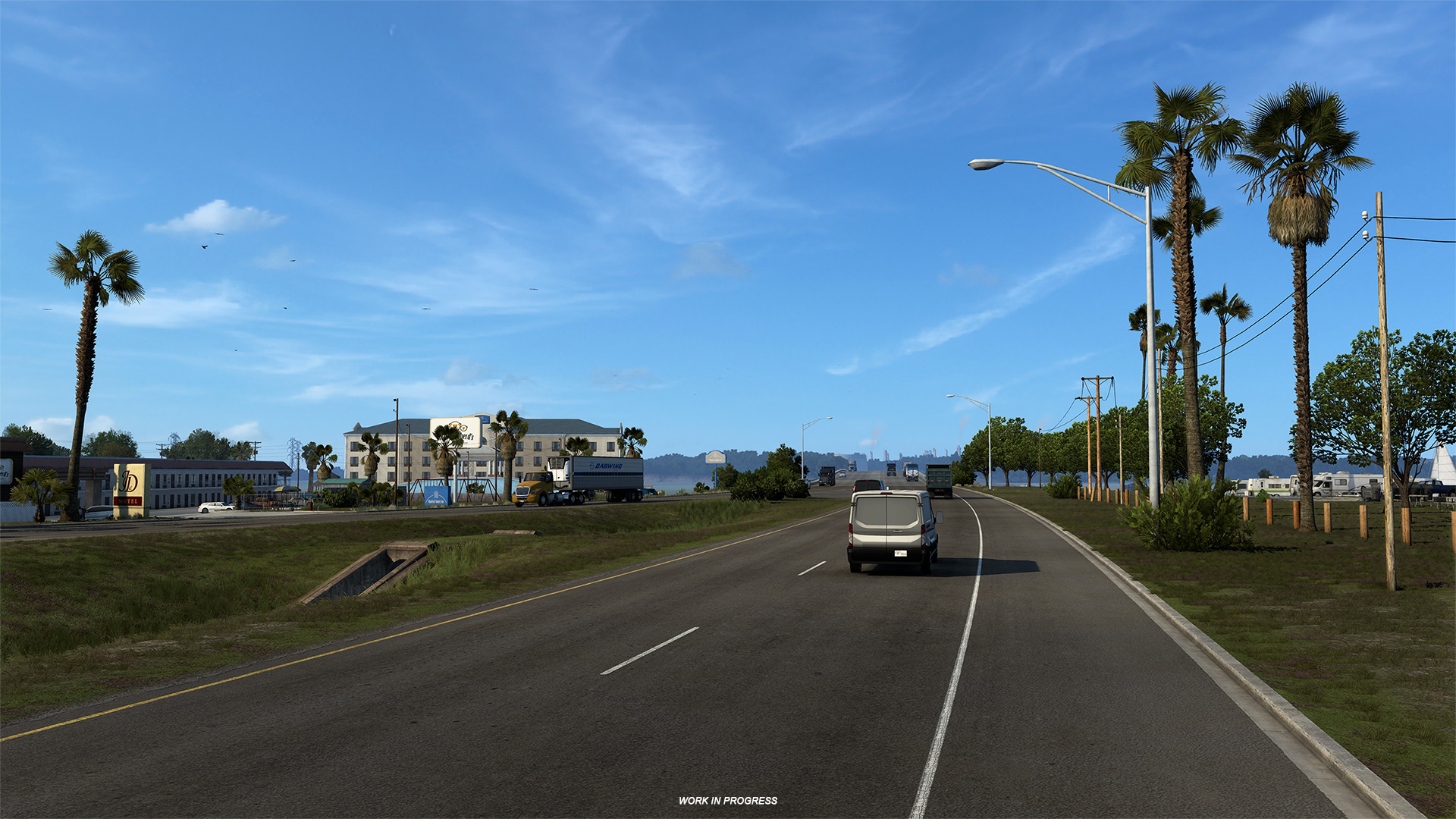
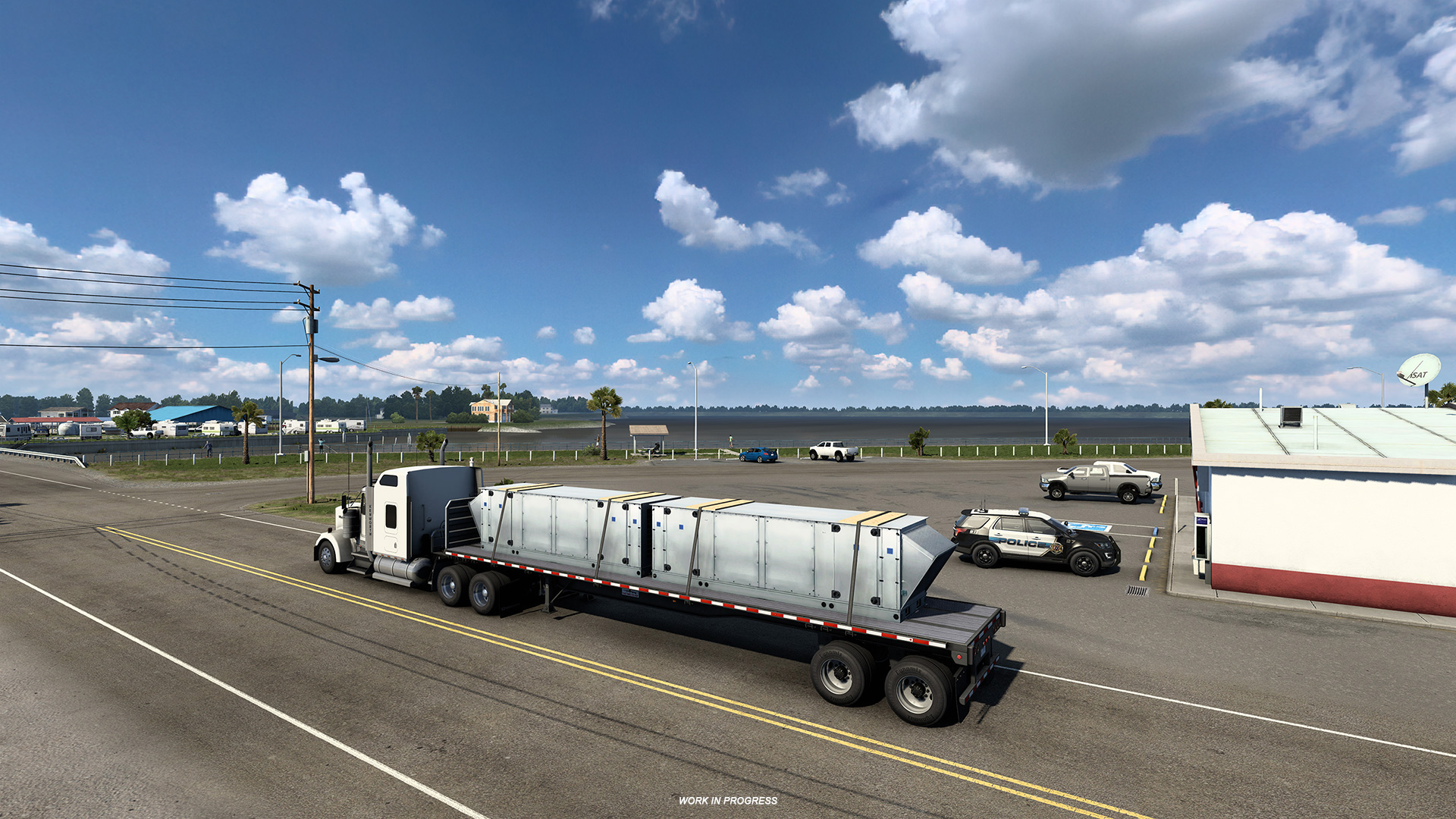
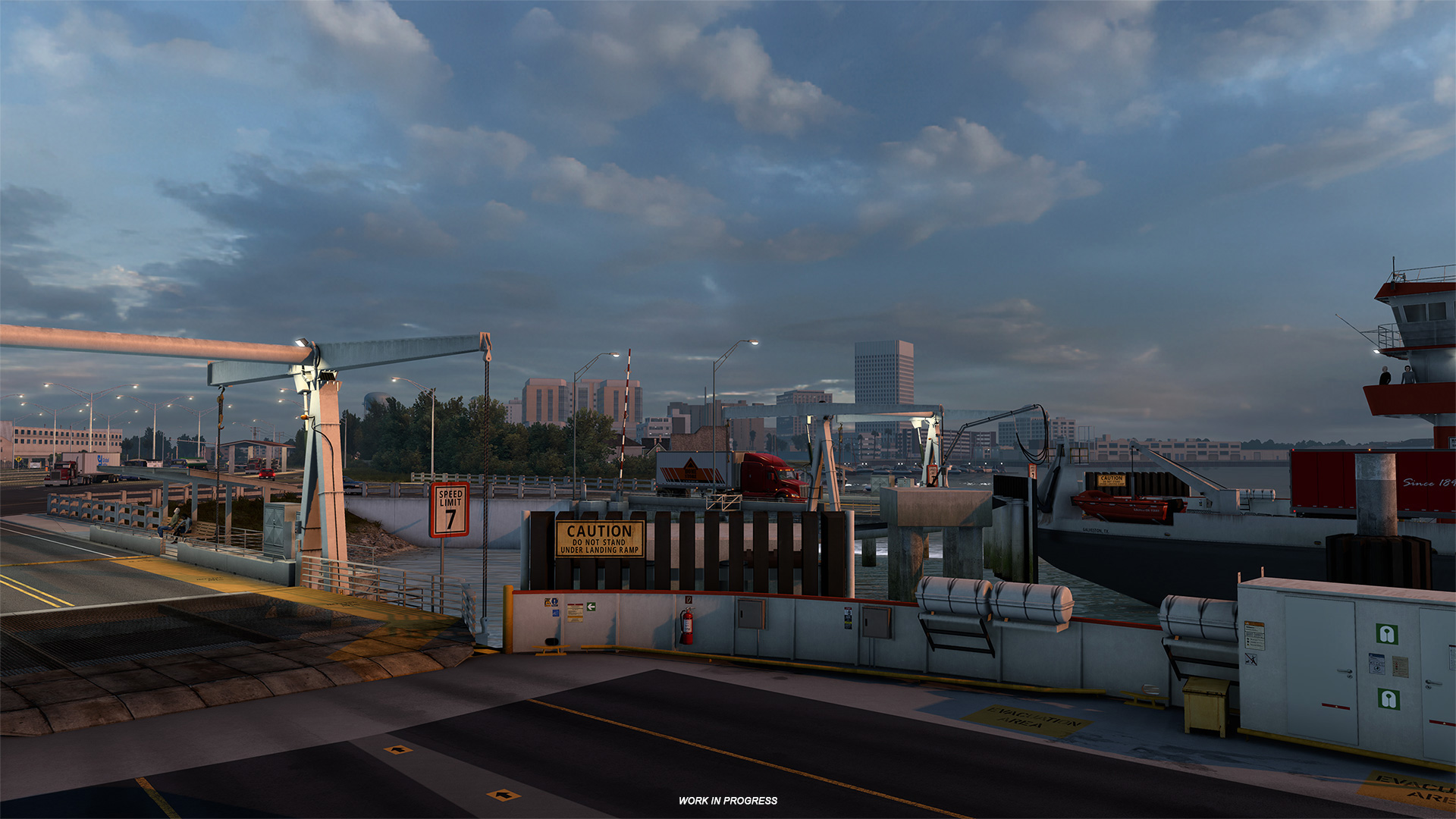
We are excited to bring Phase 2 of the California Rework as part of this free update for all owners of American Truck Simulator. The focus of this projects sees the cities Eureka, Ukiah, Sacramento, Redding, and Truckee which have been rebuilt from the ground up, along with local landmarks, architecture and surrounding road networks.
We will also be saying goodbye to the city of San Rafael. Due to the map scale, we had to make the hard decision to remove the city from the in-game economy. To make up for this, we will be introducing a brand new city, which will be larger and of much greater importance in California's road network in Phase 3 of our ongoing project! Any guesses which one it might be?
New rest areas and truck stops have also been implemented, but that isn't all! You will also find new assets, vegetation, and textures too, giving the area a completely new look and feel. We can't wait for you to explore it for yourselves. You can read more all about the rework on previous blogposts which have highlighted the cities and more which have been reworked. Read more here.
Mod Refund Feature
Since the introduction of third party modification support in our convoy mode, our team has been working to improve the mod support experience. In this update, we are happy to share a new feature which we hope will further improve players gameplay when playing with modifications.
We like to call this new addition the 'Mod Refund' feature. In simple terms, after a player has downloaded a third party modification and used it on their truck, they may in the future want to remove it (or it even may have become incompatible). This new feature reads and recognises the data from the modification, even if it has been removed, and refunds the player the difference with the in-game currency. This removes the problem of players losing money after using a modification.
It works by recognising that a crucial part is missing (such as the chassis, engine etc) and replacing it with a default part. Players will be prompted with a pop-up containing information that some parts are being refunded and will be given the option to accept or reject this refund. If you decide to reject the refund and reactivate the mod instead, the truck will now revert to its former glory even if you have saved the game in the meantime.
So, whether you're trucking with friends in a convoy session with mods, or you want to remove a certain modification after use, this new feature will make sure you won't go out of pocket!
Licensed vs Aftermarket Customization Options in UI
Players customising their truck or looking at new parts in the garage may see some new icons appearing in the list. In total we have added 4 new icons to represent what type of accessory it is. When you hover over them, they will show if they are classed as a:
- Factory part - A stock part sold by the manufacturer (including interiors)
- Licensed part - Anything that is officially licensed that is not produced by truck factory
- Aftermarket part - Any additional accessory that is not related to the brand.
- Unknown part - A part that is not recognised or in some cases, a third party modification.
This should help drivers when it comes to customisation if they wish to keep it within the manufacturers customisation options, or tune their truck further with aftermarket parts. We hope you enjoy this small yet helpful feature!
Unmarked Roads Exploration
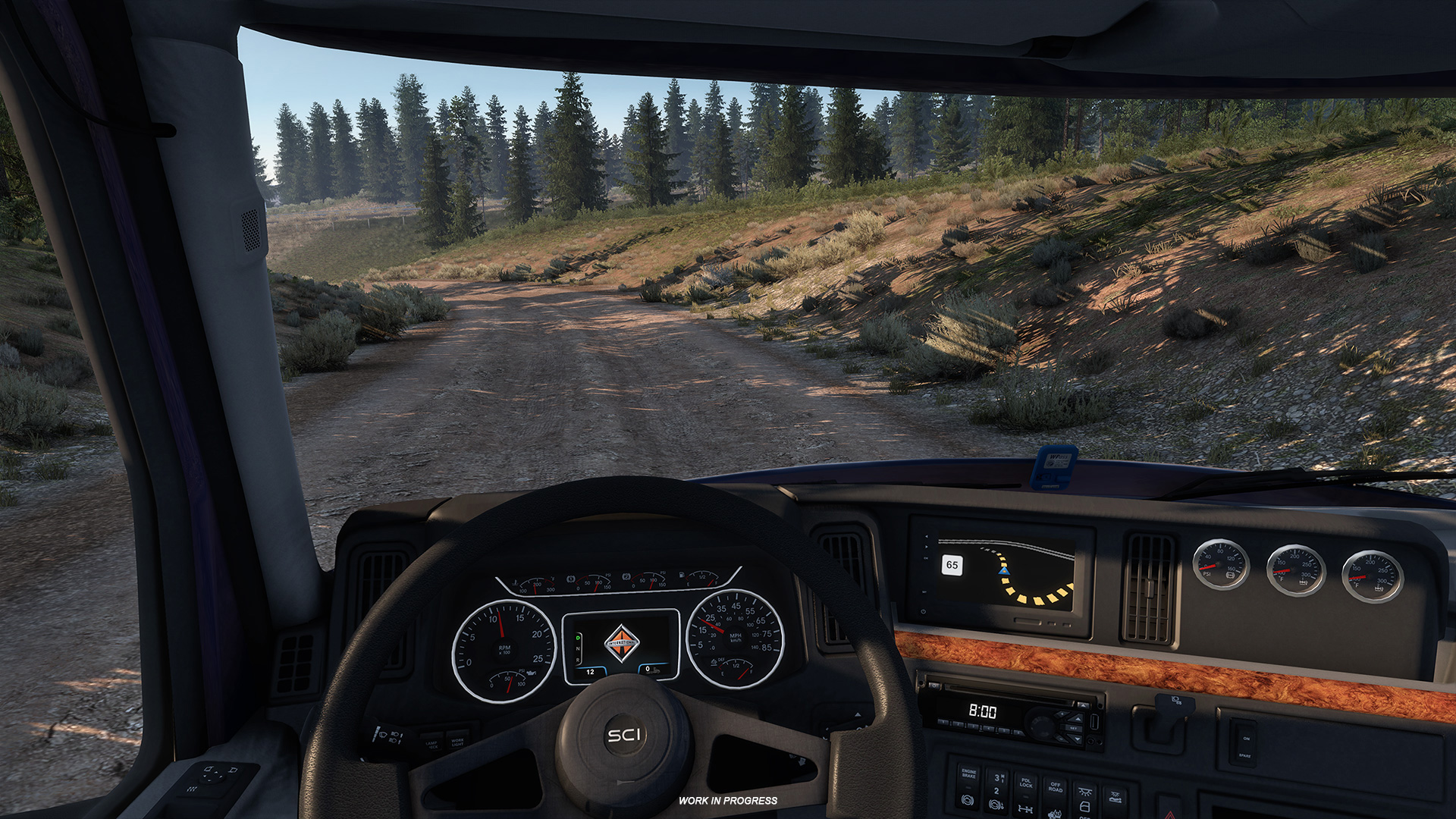
With the 1.44 update, we are bringing into ATS and ETS2 a new feature; once you drive onto an unmarked road, you will be notified about having done so with a message in the route advisor, and the explored road will appear on the map as an orange dashed line, with any unexplored part ahead of you shown in grey.
On one hand, this will ensure that you will immediately be aware of the fact that you have found something interesting, and on the other hand, if you ever decide to re-visit a hidden zone you will know where to go.
Map explorers, do not panic! These unmarked roads do not contribute to your map discovery percentage, but they do add a nice addition to your GPS if you do come across them. You can read more about this new feature here.
Force Feedback Upgrade
This update also includes a few new upgrades to the force feedback experience when playing ATS or ETS2. These changes have been made to represent a more realistic driving experience, which includes:
- New gearbox grind effect simulating vibration of missed gear when using manual shifting.
- New understeer slip effect simulating tyre slip when vehicle is understeering
- Revisited power steering curves and pressure gain of self centering effect to improve steering feel.
- Revisited internal friction force giving better feedback depending on the speed of steering.
Since self centering and internal friction were updated, we highly recommend that you reset the FFB settings to their defaults again.
Smart Sequential Shifting
Smart Sequential Shifting is now available to truckers, if they wish to enable it via the options. So what does it do? In simple terms, when you shift up or down sequentially, it will automatically shift by more gears at once based on the current torque or speed.
For this to work, drivers will still need to trigger the shifting process, but once working, should require less input from the driver.
Interior Camera Horizontal Lock
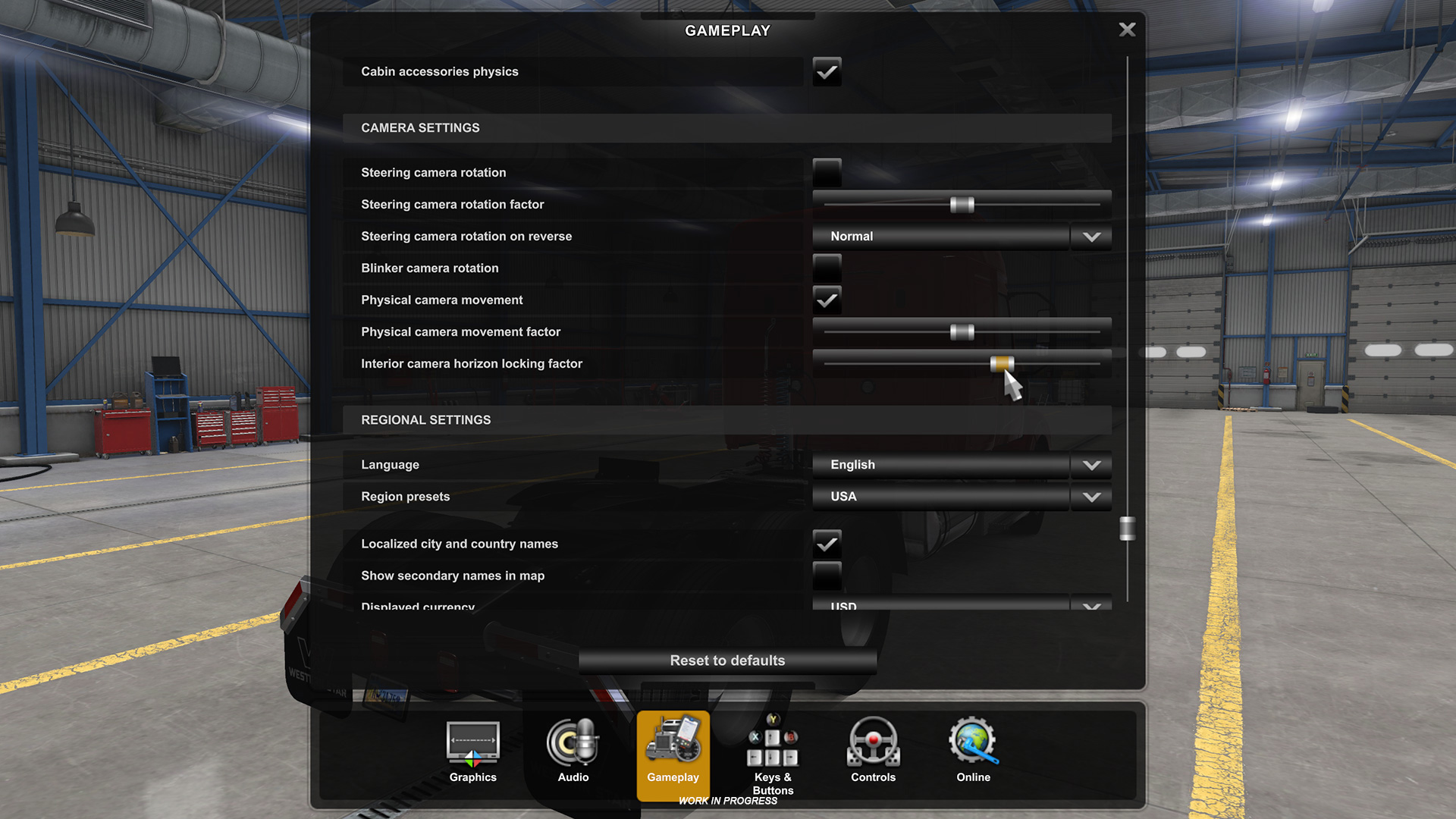
This new option allows truckers driving in the first person view (in the cabin) to lock the camera view to the horizon, so that it moves more independently from the position of the cabin.
With the introduction of this new feature, players can find a slider in the options that defines the locking factor; with the slider being to the left disabling the locking and to the right, being the strongest locking option.
Adjustable Suspension Height
Sometimes, when you are driving a big rig, trailer pick ups can be a bit tricky. Adjustable suspension height should help drivers eliminate the problem of hooking upto sometimes problematic trailers or in difficult pick up/delivery area.
Drivers now can lower the suspension of their truck to get the correct height for hooking up their trailer, without damaging it. Players will be able to find the inputs for this new adjustable suspension in the options. Its inputs are front up/down and rear up/down.
We have also included a new UI prompt which appears when the drivers are having trouble hooking up their trailers after a few attempts. We hope this makes picking up deliveries of any size easier in the future!
Ownable Drop Deck Trailers
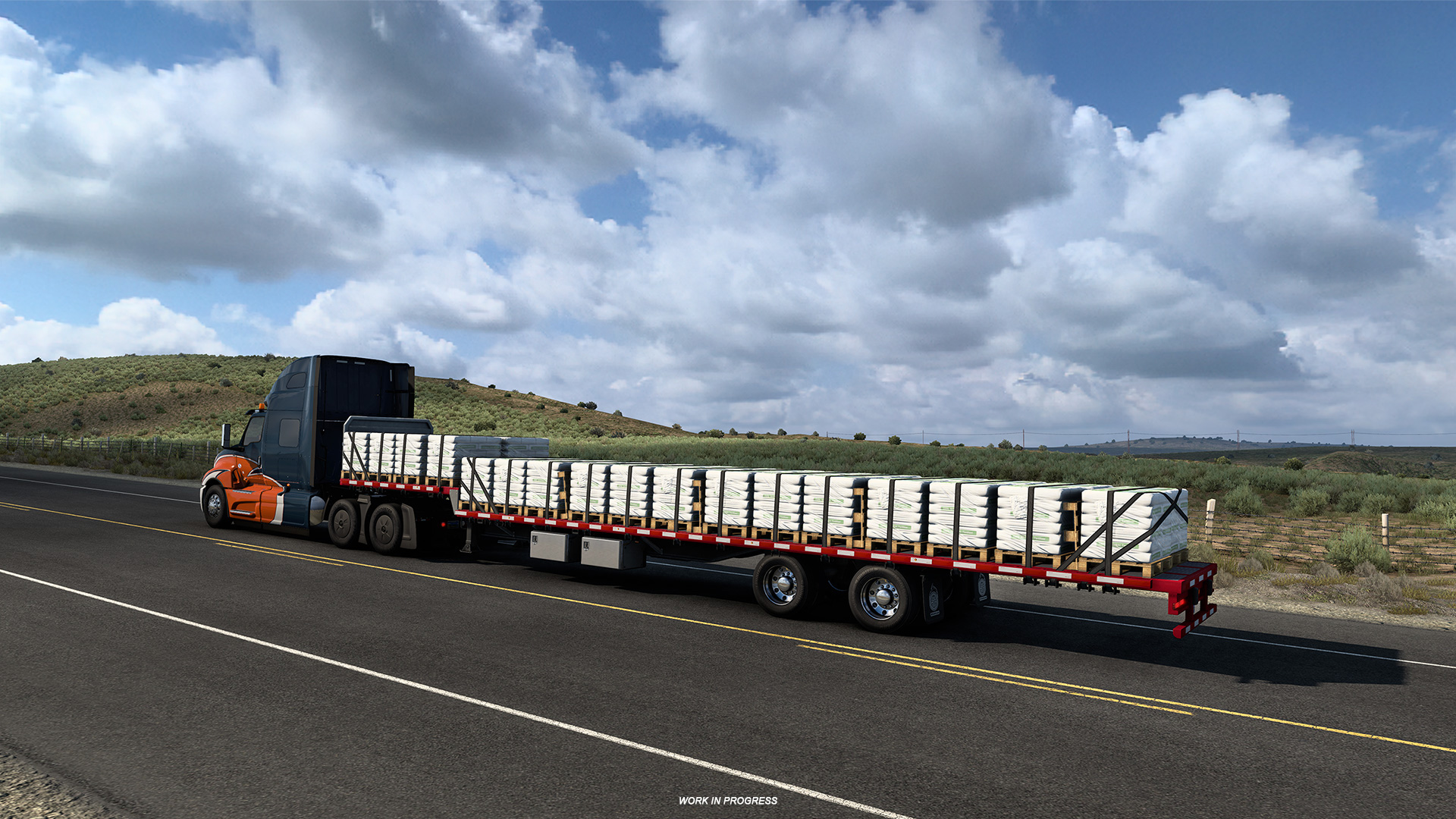
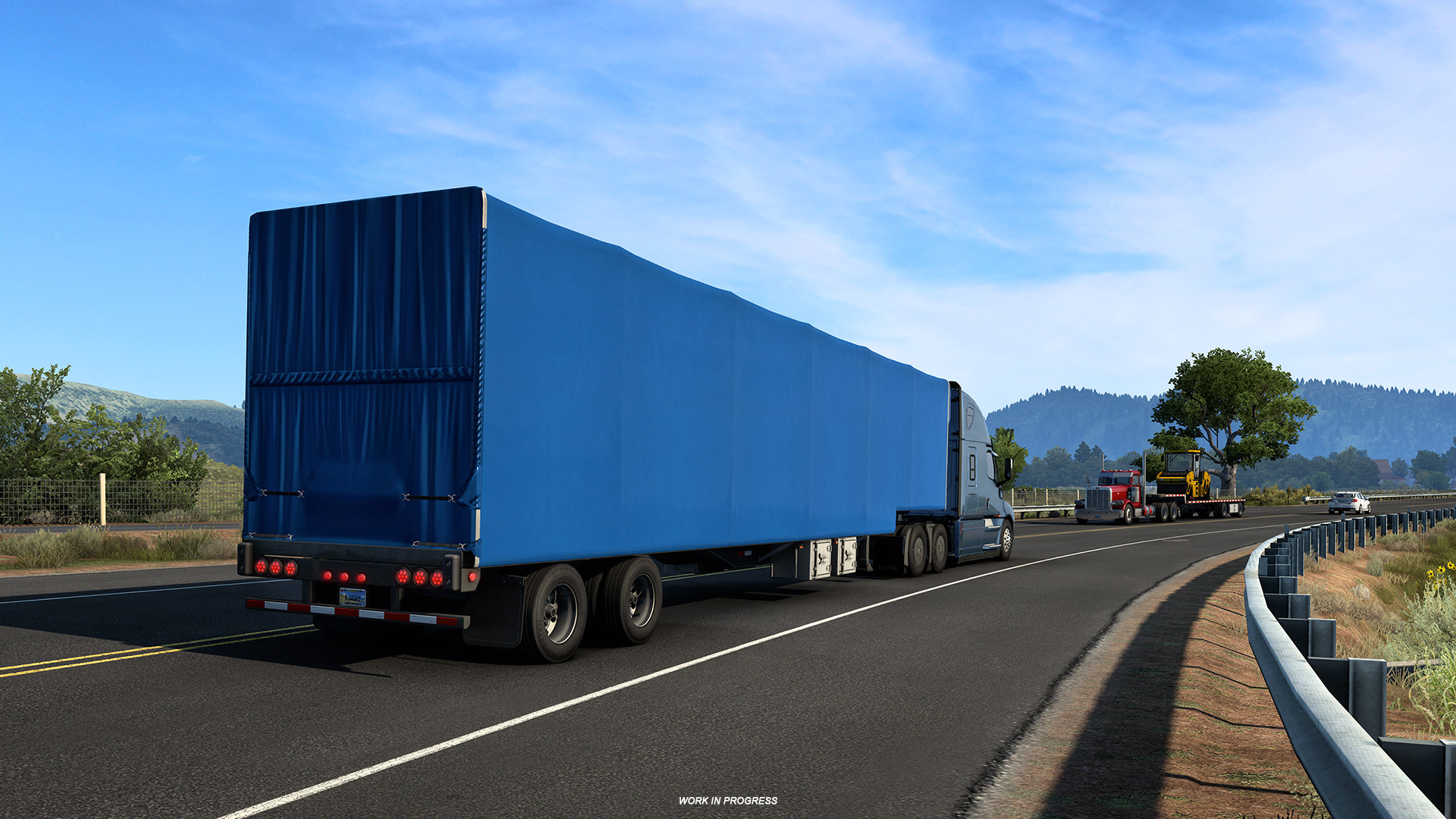
In this update, we are happy to introduce a brand new ownable trailer type as well - the drop deck trailer! What makes this trailer special is the fact that it has a lower center of gravity, and it combines the advantages of flatbed and lowboy, which results in a flat surface and a high weight-bearing capacity.
It is perfect for hauling items and materials such as aircraft engines, backhoe loaders, forklifts and so much more. Also, because drop decks are low, we had to design new small tires, rims, nuts, and hubs, specifically for this trailer type.
In addition to having 3 customizable body types (wood floor, aluminum floor, sliding tarp) and 2 different chassis lengths (48ft or 53ft) with a choice of two, three, or four axles, here is a detailed list of everything you will be able to customize:
- Front walls
- Wind deflector
- Warning flags
- Aluminum boxes
- Chrome boxes
- Side markers
- Rear banners (long load, oversize load, wide load)
- Rear bumpers
- Mudflaps
We hope you enjoy trucking with this sturdy, reliable, and practical trailer type in the 1.44 update.
Cascadia MY2022 Interior Options
Among other changes arriving in American Truck Simulator in the 1.44 update, there will also be a rather small addition, that is technically actually bigger than it might seem. We are excited to let you know that we are bringing new interior options for Freightliner Cascadia trucks!
In total, there will be 3 new interior trims added for the Freightliner Cascadia in order to line-up with what they are now offering in real-life. The all-new trim designs will be available in all 4 cabin types. But we have also taken a step further with the 72" cabin versions because these trims will include a table with seats in the back as well!
We hope you enjoy these truckin' with these new interior options for the Cascadia. You can read more about the arrival of these new customizations at a previous dedicated blogpost here.
New Special Transport Routes
From oversized cargo to challenging routes, the Special Transport DLC offers players a unique trucking experience; and today we are happy to share that 8 new routes will be arriving to the roads American Truck Simulator in this update.
Much like our previous addition of new Special Transport routes to Euro Truck Simulator 2, our team wanted to bring new additional content for our drivers in ATS too! You can find these new contracts between:
Lewiston to Sandpoint
Burlington to Lamar
Salina to Cedar City
Omak to Yakima
Dalles to Salem
Santa Fe to Socorro
Cheyenne to Rock Springs
Winnemucca to Carson City
Think you can take on the challenge? Share with us your oversized trucking adventure on our
Twitter,
Facebook and
Instagram!
Changelog
Map
- 2nd Phase of California Rework
- Border connections for several cities in New Mexico refreshed
- Some New Mexico cities received road network reworks
- Unmarked Road Exploration
- General Map Bug Fixes
Gameplay
- Mod Refund Feature
- Licensed vs Aftermarket UI in browsers
- Force Feedback Upgrade
- Adjustable Suspension Height
- Interior Camera Horizontal Lock
- Smart Sequential Shifting
- New Special Transport Routes
Vehicles
- New Freightliner Cascadia 2022 Interior Options
- Ownable Drop Deck Trailers
So enjoy all the new additions, but please remember: It's only an open beta, not a stable public version - so you may encounter bugs, instability, or crashes. It's completely okay if you want to wait for the final release. But if you're interested in helping us to get there faster, we'll appreciate all of your feedback on our forum and your bug reports in this section.
Please check our modding wiki to get details pertaining to mods for the game.
If you wish to participate in the open beta, you can find this version in the public_beta branch on Steam. The way to access it is as follows: Steam client → LIBRARY → right-click on American Truck Simulator → Properties → Betas tab → public_beta → 1.44. No password required. Somtimes you have to restart your Steam client to see the correct branch name there.